
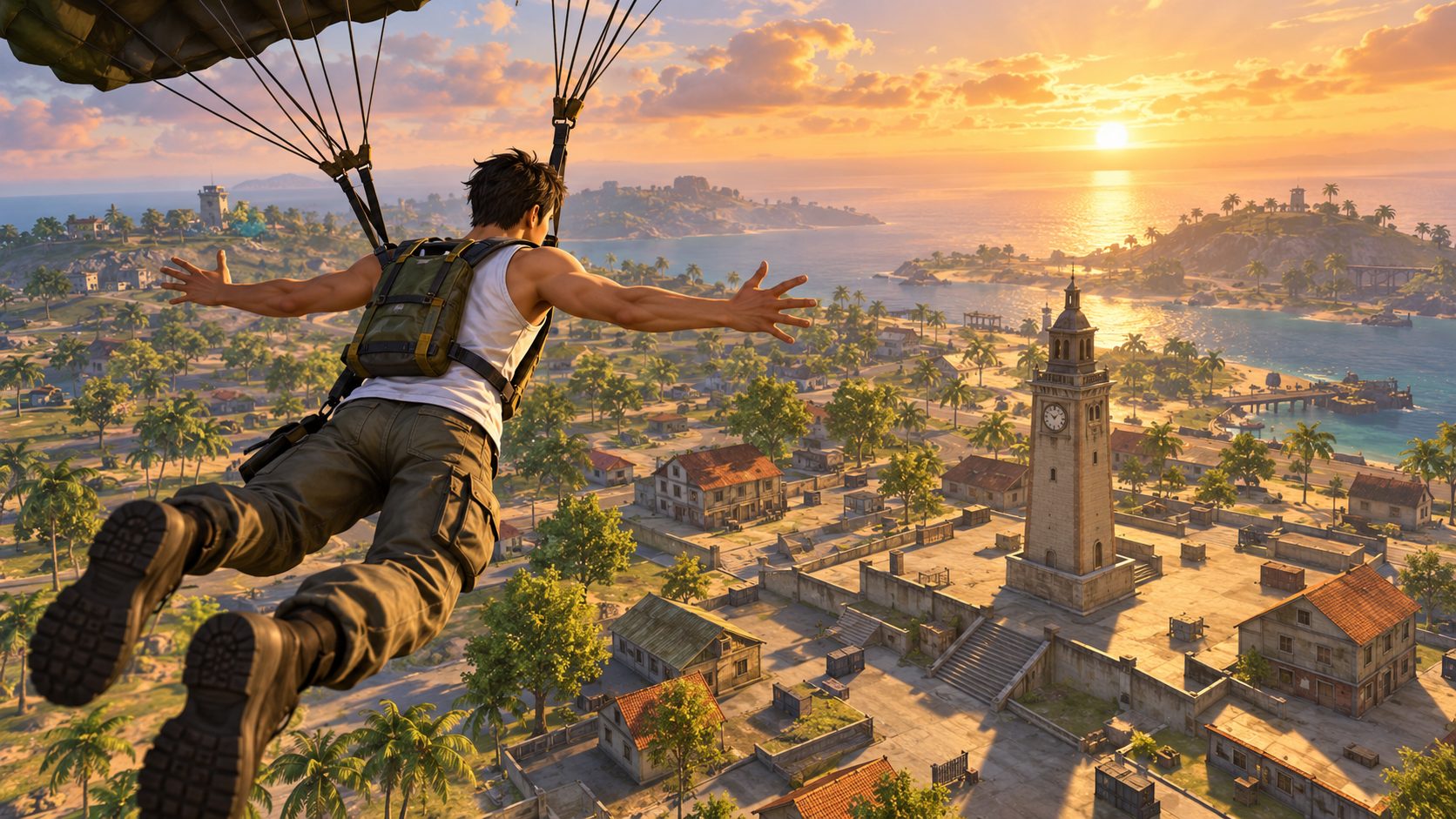
A Free Fire old version APK, such as Free Fire 2017, 2018 or 2019, installs but cannot take you into a match: Garena’s servers only accept the current version, so the old game stops at the loading step and asks you to update. What you loved about 2017 Free Fire, starting with Bermuda, is still inside today’s game. How to get that feel back is at the end.
Free Fire launched on December 8, 2017 for Android and iOS. Players remember those first seasons fondly: one map, fewer characters, a cleaner HUD and no pets or skills to think about. That nostalgia is why old version files travel so far in groups and download sites.
What happens when you open a 2017 APK
Free Fire is an online battle royale. The app on your device only draws the game; your account, matchmaking, Diamonds and outfits live on Garena’s servers. Here is the sequence an old APK goes through:
- It installs, if your Android still accepts an app built for very old system versions. Recent Android releases often refuse or warn about it.
- It opens to the loading art and tries to reach the server.
- The server answers with an update prompt. Garena keeps no 2017 server running, so there is no match to join.
- If you accept the update, you end up downloading today’s Free Fire. The time trip is over.
That is the honest best case. In the worst case the file is not Free Fire at all.
What 2017 Free Fire really had
The core idea is the same today: land on an island with nothing, loot houses and be the last one standing. What changed is everything around it.
| Then | Now |
|---|---|
| Bermuda only | Bermuda, Bermuda Remastered, Kalahari, Purgatory, Alpine and NeXTerra in rotation |
| Basic characters with no skills | Dozens of characters with active and passive skills |
| Battle Royale only | Battle Royale, Clash Squad 4v4 and limited modes |
| One app | Free Fire and Free Fire MAX, sharing one account |
The good news in that table: the parts people miss are still in the current game. The file from 2017 is the only part that no longer works.
Old version download sites: the three tricks
Search for the 2017 APK and you land on pages that are not Garena. They repeat the same moves:
- A download button that leads to another site, then another, each with more ads.
- A waiting step or “human verification” that asks you to install apps or fill surveys before the file appears.
- A file with another name or another size from what the page promised.
We followed one of these sites click by click in our report on Fawz online and its Free Fire 2018 download. The pattern ends the same way for every year.
The real risk of an old Free Fire file
An APK from outside Google Play or the App Store passes no store check. It can be the real old game, another app wearing the Free Fire icon, or adware. You cannot tell from the outside.
The bigger danger is the login. Your Free Fire account is tied to Google, Facebook or another platform. If a fake old version asks you to log in with that account through its own window, you are handing over the key. Accounts lost this way are hard to win back, because the thief changes the linked login.
Some “old versions” also come packed with promises: unlimited Diamonds, aimbot, all red. That is a modified client, and Garena bans accounts that use one. The ban covers everything you own on the account, not only the match.
Old Free Fire for low end devices
Many people look for the old version because their device is weak. That problem has a real fix:
- Keep the regular Free Fire, not MAX. It is the lighter app and runs on devices with little memory.
- Lower graphics to Smooth and turn off high frame rate if the device heats up.
- Skip the optional resource pack at first launch. You can play without it and download it later.
- Free storage before updates, since an update needs extra space during install.
How to get the 2017 feel back today
- Pick Bermuda in Battle Royale map selection when it is in rotation; the classic map is still there, with its Clock Tower and Peak.
- Clean the HUD: move or shrink buttons in Controls until the layout looks as simple as it did.
- Play without skills for a match by choosing a character with no equipped skill set, and loot only what you find.
- Watch for anniversary events. Free Fire’s anniversary each December has brought back classic outfits and old map themes.
The Free Fire old version you can actually play is today’s game set up like 2017: Bermuda, a clean HUD and basic loot. The old APK opens to an update screen at best and to someone else’s app at worst. Install Free Fire from Google Play or the App Store, choose Bermuda and your account stays yours.
Frequently asked questions
When did Free Fire come out
On December 8, 2017, for Android and iOS, published by Garena.
Is there a private server for old Free Fire
Not an official one. Private servers that copy the game are unauthorized, and linking your real account to one puts it at risk.
Can I play Free Fire 2019 offline
No. Every version needs Garena’s servers to start a match.
Will Garena ever bring back the old version
Garena brings back old content inside the current game, through events and map rotations, not as a separate old app.


Show comments 0
Write the first comment.