
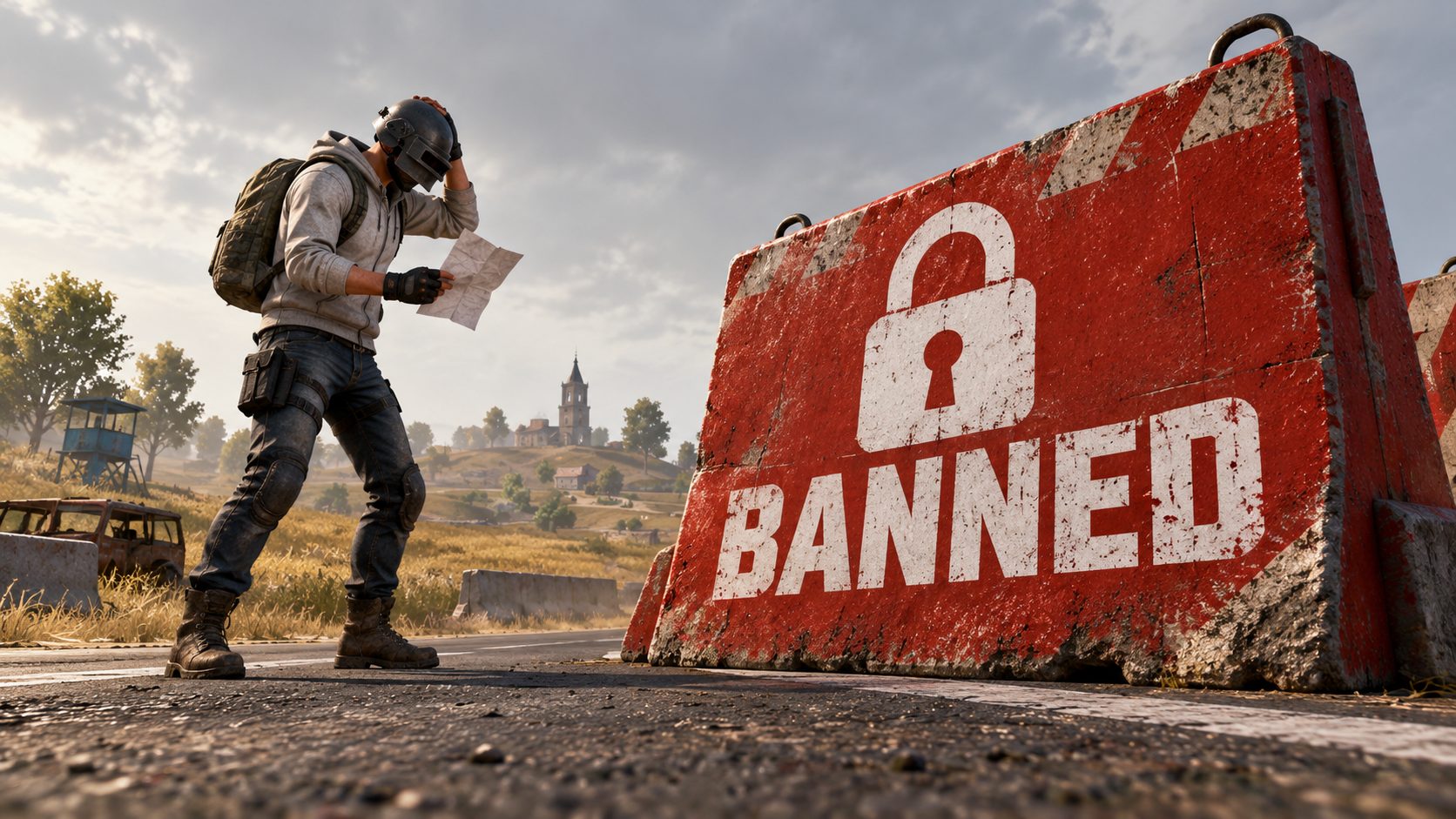
The fastest BGMI ID ban check is the message the game shows when you log in: it states the type of ban, how long it lasts and the reason. If you think it is a mistake, you appeal to Krafton India through the claim button on that notice or through Customer Service in the game, with your Character ID and a screenshot. There is no outside website or app that removes a BGMI ban.
Many players never read that message to the end. They close it, search “bgmi unban” and land on pages that ask for their login. The notice already holds the answer to most questions, so start there.
The five kinds of BGMI restriction
| Type | What you see | How long |
|---|---|---|
| Matchmaking penalty | You cannot start a match | Minutes, after leaving matches or going AFK |
| Chat or voice restriction | Chat and voice are locked | Hours or days, after reports for abuse |
| Temporary account ban | You cannot log in | Days, with a date shown |
| Permanent account ban | Log-in blocked, often shown as a very long period | Permanent |
| Device ban | Any account on that device is blocked | Usually long |
A ban shown as “10 years” works the same as a permanent one in practice. It is given for cheating, modified apps and serious rule breaks.
Why Krafton bans BGMI accounts
- Third-party apps and modified APKs: aimbot, ESP, wallhack, speed and magic bullet.
- Teaming up with enemies in a match, or teaming with cheaters.
- Account sharing and buying accounts that were flagged before.
- UC bought from unofficial sellers with stolen cards, when the payment is reversed.
- Abusive chat or names, for chat and name restrictions.
Krafton bans in large waves and publishes the numbers. A ban can arrive weeks after the cheat was used, because the system collects proof first.
How to appeal a BGMI ban, step by step
- Take a screenshot of the ban notice before you close it.
- Note your Character ID, nickname, the date and the reason written in the notice.
- If the notice has a claim or appeal button, use it. Otherwise open Settings > Customer Service in the game, or the support page linked from the official Battlegrounds Mobile India website, and choose the account or ban category.
- Write a short, honest message. Example: “My account (Character ID 5xxxxxxxxx) was banned on [date] for [reason]. I did not use any third-party app. Please review my account.”
- Attach the screenshot and send. Use one appeal and wait: sending ten in a row does not speed it up.
Write in English or Hindi, without insults. A support agent reads it, and a clear message with the ID and the date gets reviewed faster.
If you cannot log in to open Customer Service
Use the support page from the official website in a browser, from another device if needed. You still only need your Character ID, the screenshot and an email address to receive the answer.
When an appeal can work and when it will not
Appeals succeed when there was a real mistake: a hacked account that someone else used to cheat, a family member who installed a modded app on a shared device, or a payment problem you can prove. Bans for confirmed cheating are almost never lifted. In that case, the honest route is to start a new account and keep it clean.
Unban apps, unban links and unban websites
Search “bgmi id unban” and you find apps, “unban links” and online tools that promise to lift the ban in minutes. None of them can touch Krafton’s servers. What they really want is one of these:
- Your login, to take the account and sell it.
- Your money, for a “premium unban” that never happens.
- To install an APK that carries malware.
Krafton never asks for your password or an OTP to review a ban.
Keep your next account safe from bans
- Link it to Google, Facebook or X so you can recover it.
- Never lend it or log in on a friend’s device that has mods installed.
- Buy UC only in the game or from official top-up partners.
- Do not install “sensitivity files”, “ESP” or “no recoil” mods, even to try.
Frequently asked questions
How do I check if my BGMI ID is banned
Log in. A banned account shows a notice with the type, length and reason before you reach the lobby.
How long does a BGMI ban appeal take
Answers usually take several days. Wait for the reply in the email you gave before you write again.
Can I play on the same device after a device ban
A device ban blocks the device, so new accounts on it are blocked too.
Does a BGMI unban app work
No. Only Krafton can lift a ban, and only through its own support.

Show comments 0
Write the first comment.