
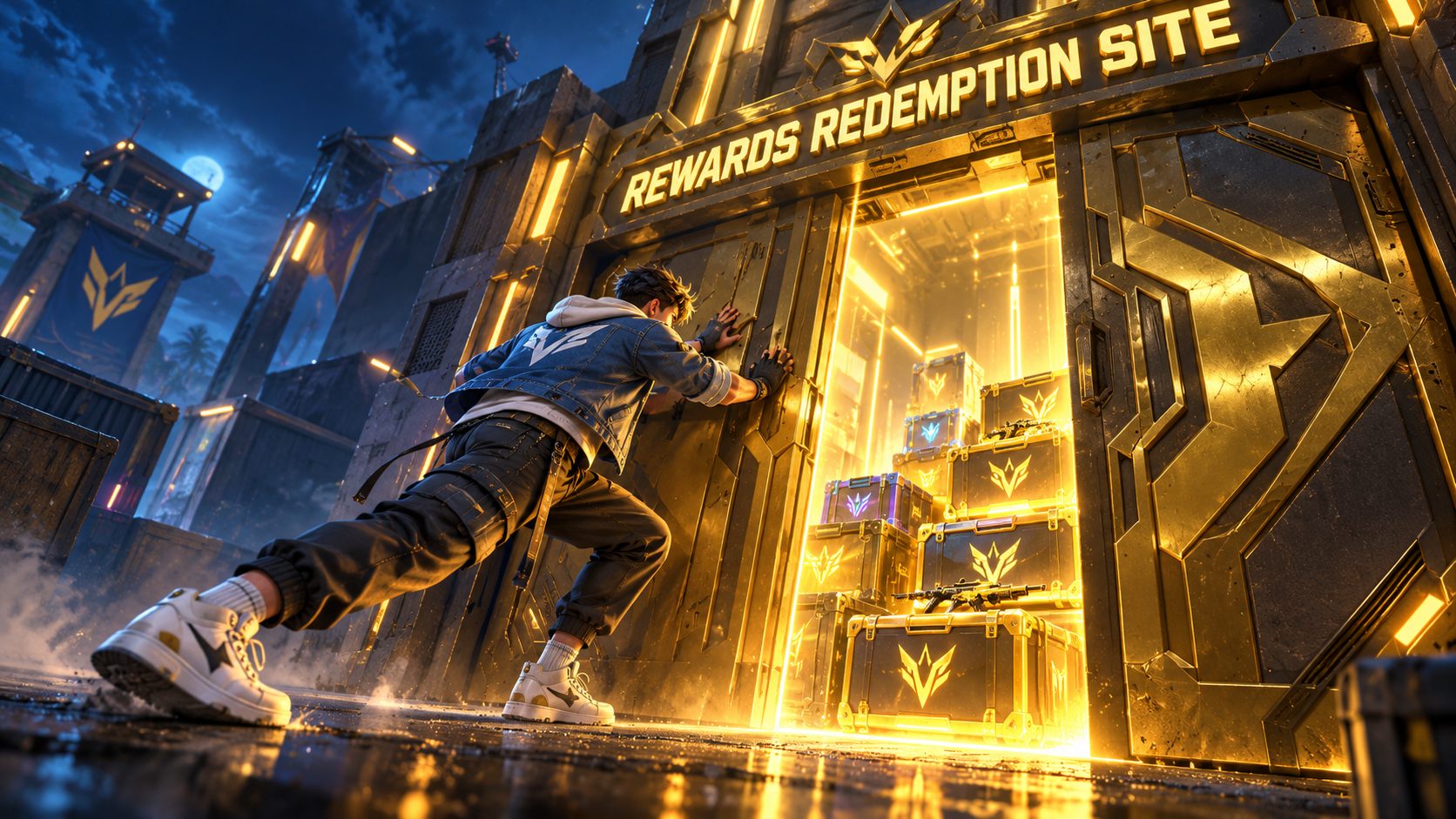
The Free Fire Rewards Redemption Site is Garena’s official page for redeem codes, and its address is reward.ff.garena.com. It is not inside the game: you open it in a browser, log in with the platform your account is linked to, choose the right game version, and then type the code. Most players who fail to get in are stopped by one of three things: a guest account, the wrong login, or the wrong version.
Getting this right before a code drops saves you the minutes that matter, because codes run out fast.
One address, many names
People search for it as FF Reward, Free Fire reward site, Garena redeem site, Free Fire redemption center or code redeem page. They are all the same place: reward.ff.garena.com. The name “FF Reward” simply comes from the address itself.
Nothing is sold there. It only processes free codes. Topping up Diamonds is a different thing, done in the in-game store or official top-up centers.
Type the address yourself. Search ads and links in video descriptions can lead to copies that look the same and ask for your password.
Step 1: make sure your account can log in
The site has no box for a UID or a Free Fire password. You enter through a platform. The login buttons are Facebook, VK, Google, Apple and X (Twitter).
That means a guest account cannot enter. If you play as a guest, open Settings in the game and link the account to one of those platforms first. Linking also keeps your progress safe if you lose the device.
Not sure which platform you used
Open the game, go to Settings and look at the account section: it shows which platform is linked. Many people have two Google accounts on the same device and log in to the site with the wrong one. The site then cannot find a Free Fire profile, or finds a different one.
Step 2: choose the right version
After tapping your platform, the site asks you to select a version to log in. There are three options:
| Option | Who it is for |
|---|---|
| Global version | Everyone except players in Vietnam and India |
| FFI | Players in India only |
| FFVN | Players in Vietnam only |
Players in Bangladesh, Pakistan, the Philippines, Indonesia and the United States pick the Global version. Players in India pick FFI.
If you choose the wrong one, the site says the account was not found for the selected version. Tap the option to switch account and log in again with the correct version or platform.
Step 3: check the profile at the top
Once inside, the site shows a nickname. Confirm it is yours before typing anything. If you see a name you do not know, you are on another account: log out and use the right platform.
Step 4: enter the code
The site explains the rules under the login: codes have 12 or 16 characters, only capital letters and numbers, an expired code cannot be used, and guest accounts cannot claim rewards. Copy and paste instead of typing, so a zero and the letter O never get mixed up.
Rewards are sent within 24 hours. Items appear in your collection in the lobby; Gold and Diamonds are added straight to the balance.
When the site will not load or log in
- Blank page or endless loading. Open it in a private or incognito tab, or switch from Wi-Fi to mobile data.
- Login window closes by itself. Allow pop-ups for the site, or try another browser.
- Asked to create a character. The platform account you used has no Free Fire profile. Use the one linked in the game.
- Logged in, but the code fails. Check region: some codes are made only for one server.
- Time error. Set the device clock to automatic.
- Redeemed, but nothing arrived. Wait the full 24 hours, restart the game and look in your collection and in-game mail, not in the store. Rewards go to the account you were logged in with on the site, so check you used the same one.
How to spot a copy of the Rewards Redemption Site
Copies are made to steal accounts, and they share a few signs:
- The address is not exactly reward.ff.garena.com: an extra word, a different ending, or a long string of letters.
- It asks for your UID and password in its own form instead of opening the platform’s login.
- It shows Diamonds ready to claim before you have entered any code.
- It asks you to download an app or complete a “human verification”.
The real site never asks for your Free Fire password, because Free Fire does not have one: the login always happens on Facebook, Google, Apple, VK or X.
Be ready before the next code
Log in to the site once now, with the right platform and version, and leave it open in a browser tab. Follow the official Free Fire accounts of your server and turn on notifications. When a code appears during a stream or launch, you only need to paste it.
Frequently asked questions
Is there a Free Fire Rewards Redemption Site app
No. It is a web page only. Apps that claim to be the redemption center are not from Garena.
Which version do I pick in Bangladesh or Pakistan
The Global version. FFI is only for players in India and FFVN only for Vietnam.
Can I log in with my UID
No. The site only accepts the platform login linked to your account.
Does the site work for Free Fire MAX
Yes. Free Fire and Free Fire MAX share the account, so rewards appear in both.

Show comments 0
Write the first comment.