

Pick your model, answer five questions, and a counter appears: Key active, expires in 23 hours 59 minutes. Sensicore gives you a free Free Fire sensitivity, but only after you earn a temporary key by clicking through ad pages, and you repeat it every day. The site, sensicore.xyz, is online, does not touch the game and never asks for your account. Some players know it as Sensi Core, SensiCore or, misspelled, sencico.
It is aimed at players tired of copying a streamer’s sensi that never feels right in their own hands. The idea is good and much of what the site says about itself is honest. The catch sits between choosing your model and seeing your numbers.
The five questions Sensicore asks you
- Brand and model of your device, Android or iPhone, from its catalog of around 40 brands.
- How many fingers you play with: two, three, four or more.
- Whether you use DPI changes on Android.
- Your play style: drag, balanced or precision.
- Your sensitivity level.
With that it returns six values: General, Red Dot, 2x Scope, 4x Scope, Sniper Scope (AWM) and Free Look, plus a fire button size and, on Android, a recommended DPI.
It reads a list, not your device
Many players think these sites scan the device. Sensicore says plainly that it does not measure anything. It takes your model’s data from its catalog, like its range, RAM and refresh rate, and applies a points formula: each factor adds or subtracts from a base.
That explains two things that confuse people. Two players with the same model but different styles get different numbers. And if you pick a different model, the numbers change even though your hand is the same.
The Another variation button is random
Generate again and you get a different set. That is not a bug: the site admits the Another variation button picks random values inside the range for your level. There is no exact sensi for your device, only a range, and the site itself calls the result a starting point, not a guarantee of headshots.
The DPI table it uses
| Device range | Recommended DPI |
|---|---|
| Low end | 320 to 400 |
| Mid range | 420 to 500 |
| High end | 500 to 600 |
It dropped values above 600, because going far past your original DPI can make the display unreadable. iPhone has no DPI setting, so the site gives a slider suggestion instead.
The calibrator fixes the sensi you already use
This is the most useful part, because it does not throw away months of muscle memory. You enter your current numbers and mark what goes wrong:
- Aim stops at the chest: it suggests raising Red Dot.
- You overshoot the enemy: General goes down first.
- Aim feels slow: General and Free Look go up.
- Shaky aim when scoped: 4x Scope and especially Sniper Scope go down.
The Pros section is other users
The menu has a section called Pros. You expect esports players. What is there are setups uploaded by other users, approved by the site and rated with stars, with titles like Very good sensi or a first name. When we went through it, the same iPhone 13 Pro Max setup appeared twice with identical numbers and two different ratings, and the most voted entry had about 60 votes.
There is no Sensicore APK
The site announces an Android app with temperature and battery monitoring, but no official version exists. Sensicore itself warns that any APK circulating with its name is not theirs. If someone shares a Sensicore APK in a group or a video, do not install it: fake sensitivity apps are a common way to sneak in panels and account stealers.
Sensicore also says it has no link with Garena. Since it only gives numbers you type into the game yourself, using it does not modify Free Fire.
What Sensicore asks before the numbers
Here is the step the homepage does not show. The generator and the calibrator only work with a temporary access key. To get it, the site sends you to a third-party ad platform with shortened links. You go through steps with ads and timers, then come back with your key.
The key expires. The site shows Key active, Expires in, with a counter starting at 23 hours and 59 minutes. When it runs out, you repeat the steps. Its terms say those pages belong to other companies with their own ads and cookies. You do not pay money, but you pay with ads every day you use it.
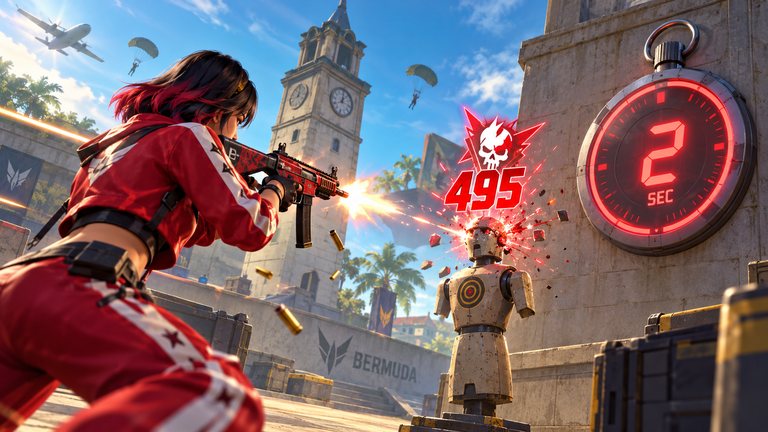
To get the most from one key: write down the numbers it gives, test them for ten minutes in the Training Ground, and change one value at a time. If an ad page offers a download or a form, close it. The key never needs either.
Frequently asked questions
How long does the Sensicore key last
About 24 hours. The counter starts at 23 hours 59 minutes, and after that you go through the ad steps again.
Are the Sensicore Pros real esports players
No. They are setups uploaded by other users and approved by the site, rated with stars.
Does Sensicore work for Free Fire MAX and iPhone
Yes. It gives the same values for Free Fire and Free Fire MAX, and on iPhone it replaces DPI with a slider tip.
Can Sensicore get my account banned
The site does not touch the game; you type the numbers into Settings yourself. An APK using its name is a different story, and it is not theirs.


Show comments 0
Write the first comment.